
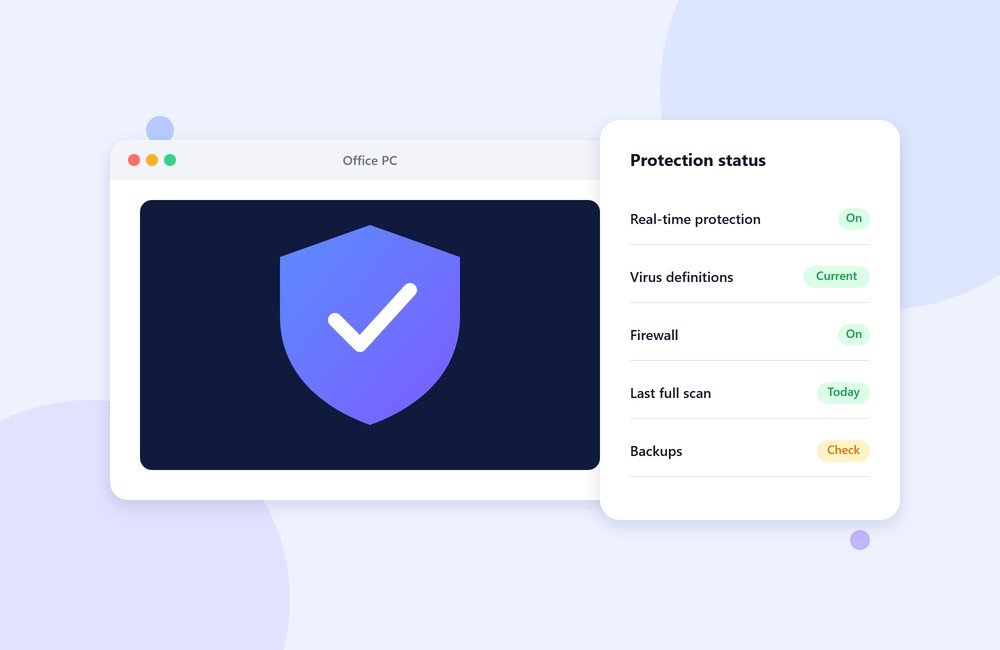
Ask most small businesses about their IT security and the answer is usually “we have antivirus.” That is a good start. On its own, though, it does not cover the problems that most often cause real damage.
Start with what you already have
Windows 10 and 11 include Microsoft Defender Antivirus as part of Windows Security. For many small offices it is a reasonable baseline, as long as it is switched on, updating its definitions, and not fighting with a half-installed third-party product. A surprising number of machines we see have an expired trial of another antivirus that has quietly disabled the built-in protection.
Whether you use the built-in protection or a paid business product, the important part is that every machine is covered, up to date, and checked regularly.
The other layers that matter
- Updates. Many infections use security holes that already have a fix. Keeping Windows and software up to date closes them.
- Backups. If ransomware or a failed drive takes out your files, a recent backup is the difference between an inconvenience and a disaster. A common rule is 3-2-1: three copies, on two kinds of storage, with one kept off-site or offline.
- Separate user accounts. Day-to-day work should not happen on an administrator account. It limits what malicious software can do.
- Passwords and two-step sign-in. Use unique passwords, and turn on two-step verification for email and anything financial.
- A little training. Most attacks start with an email. Staff who know to be suspicious of unexpected attachments, payment-change requests and login links stop a lot of trouble early.
A quick office checklist
- Is antivirus active on every machine, and are its definitions current?
- Has a full scan run recently on each PC?
- Is the Windows firewall turned on?
- When was the last backup, and has anyone tried restoring from it?
- Who has administrator access, and do they need it?
If you cannot answer one of these confidently, that is the place to start.
How we can help
Our on-site visits include installing and checking antivirus on every machine, confirming updates, and pointing out gaps like missing backups. We would rather give you a short, honest list of fixes than sell you a product you do not need. To arrange a visit, get in touch.