
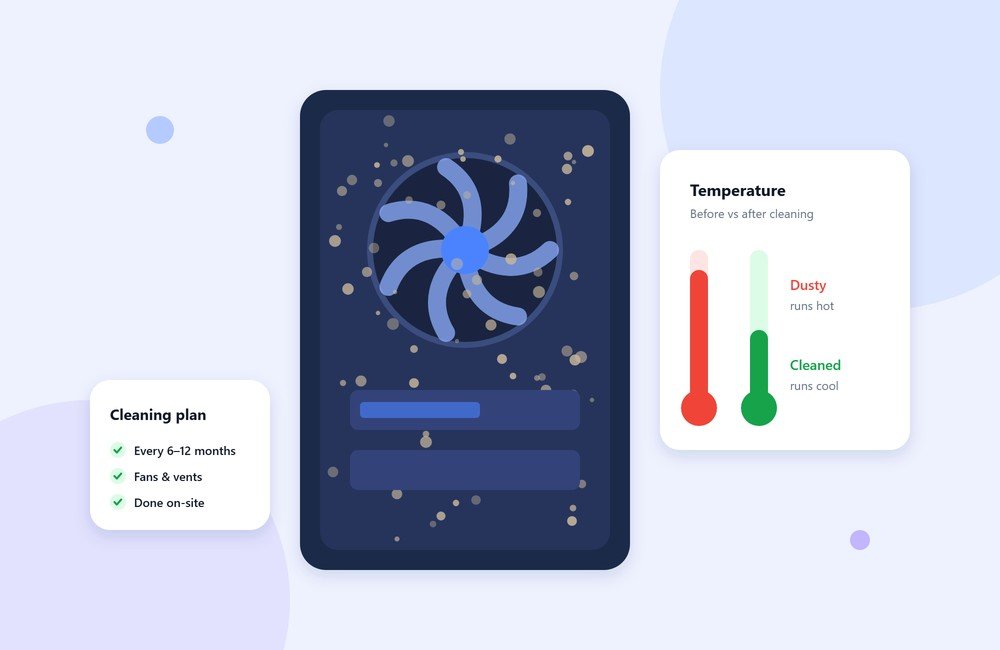
When an office PC gets slower and louder over time, people usually blame the software. Often the real cause is inside the case: a layer of dust on the fans, heatsinks and vents.
What dust actually does
Computers cool themselves by pulling air through the case. Dust comes in with that air and settles on fans and the fins of heatsinks. As it builds up, less heat escapes. The processor responds by slowing itself down to avoid overheating, and the fans spin faster and louder trying to compensate.
The result is a machine that feels sluggish, sounds like it is working hard, and runs hotter than it should, which is not good for its long-term health. Power supplies and laptops with small vents are particularly sensitive.
Signs a machine needs cleaning
- Fans are noticeably louder than they used to be, especially under light use.
- The case or laptop base feels hot to the touch.
- The machine slows down after it has been running for a while.
- You can see grey fluff on the vents or fan grilles.
- Unexpected shutdowns or restarts, particularly when busy.
How often?
For a typical air-conditioned office, cleaning the inside of each desktop every 6 to 12 months is a sensible baseline. Clean more often if:
- the office is near a road, construction or a factory floor,
- machines sit on or near the floor, where dust collects,
- there is carpet, or pets, or the windows are often open,
- the machines run long hours or do heavy work.
Doing it safely
If you clean machines yourself, a few rules prevent damage:
- Shut the machine down and unplug it before opening the case.
- Use short bursts of compressed air, holding cans upright. Avoid household vacuum cleaners inside the case, as they can build up static.
- Hold fan blades still while blowing air across them, so they do not over-spin.
- Clean the outside vents and filters too, not just the inside.
- Do not open laptops or power supplies unless you know what you are doing.
Cleaning as part of regular maintenance
Cleaning is easy to forget because nothing breaks right away. It works best on a schedule, alongside updates and antivirus checks. Our technicians do internal cleaning at your premises, so machines are back on the desk the same day instead of going away to a workshop. To set up a schedule for your office, get in touch.