
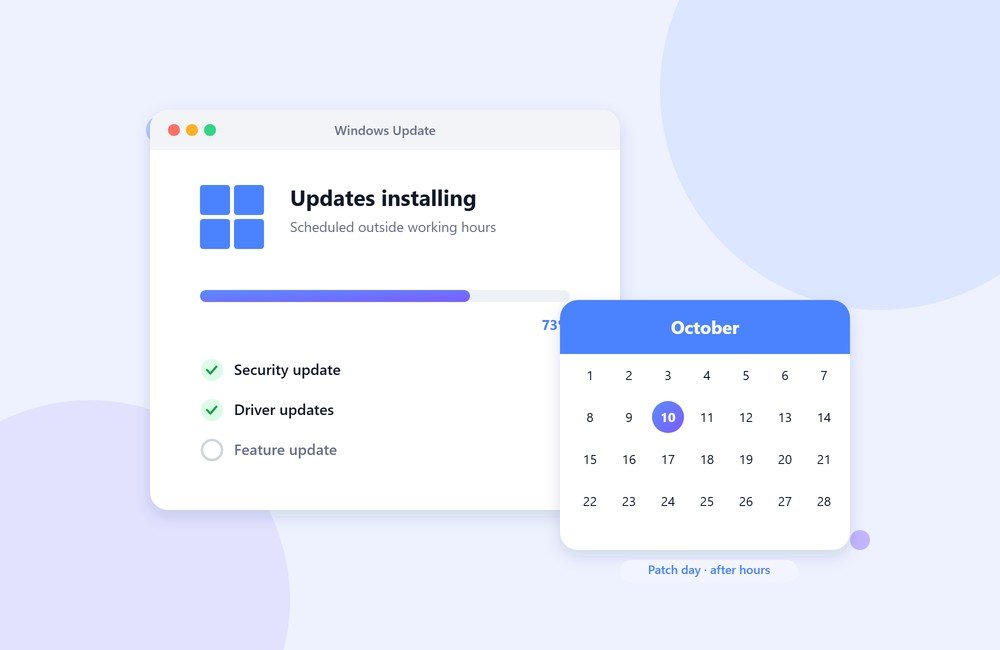
Most offices know they should keep Windows up to date. Fewer manage to do it consistently. Updates get postponed because someone is mid-presentation, a restart prompt gets dismissed for the fifth time, and a few months later half the machines are behind on security fixes.
That gap matters. Many of the attacks that hit small and mid-sized businesses use weaknesses that were fixed months earlier. The patch existed; it just was not installed.
Know the update rhythm
Microsoft releases its regular security updates on the second Tuesday of each month, often called Patch Tuesday. Urgent fixes can arrive in between, but if you plan around that monthly cycle you will catch the large majority of updates.
A simple approach that works for most offices:
- Let updates download automatically, but schedule installs and restarts for after working hours.
- Set Active hours on each PC (Settings → Windows Update → Advanced options) so Windows does not restart while people are working.
- Leave machines switched on, or at least asleep, on the evening you expect updates to install.
- Check a week later that every machine actually finished. A machine that failed silently is worse than one you know is behind.
Don’t forget drivers and firmware
Windows Update covers the operating system and many drivers, but not everything. Printers, network adapters and the motherboard BIOS often need updates from the manufacturer. These matter less often, but when they matter it is usually for stability or security, so it is worth checking during routine maintenance.
Check which Windows version you are running
Windows 10 reached the end of support in October 2025. Machines still running it no longer receive regular security updates unless your organisation has enrolled in Microsoft’s paid Extended Security Updates programme. If you still have Windows 10 PCs in the office, decide now whether to upgrade them to Windows 11 (if the hardware supports it), replace them, or cover them with extended updates for a limited time.
To check a machine, press Windows + R, type winver and press Enter.
Keep a simple record
You do not need special software for a small office. A spreadsheet with each machine, its Windows version, and the date it was last fully updated is enough to see at a glance which PCs are falling behind.
When to get help
If updates keep failing on the same machine, if you have PCs that cannot run Windows 11, or if nobody in the office has time to check, that is exactly the routine work our on-site team handles. We update, check and document every machine at your premises, outside your working hours where possible. If that would help, get in touch.